VPN for multiple devices: Stay protected across platforms
Protect every device at home, at work, or on the go, with an independently audited no-logs VPN
- Native apps for Windows, Mac, Linux, iOS, Android, and major smart TVs
- Secure all your devices with up to 14 simultaneous connections
- Proprietary Lightway protocol for faster speeds and strong encryption
30-DAY MONEY-BACK GUARANTEE FOR FIRST-TIME USERS
What are the benefits of using a VPN on multiple devices?
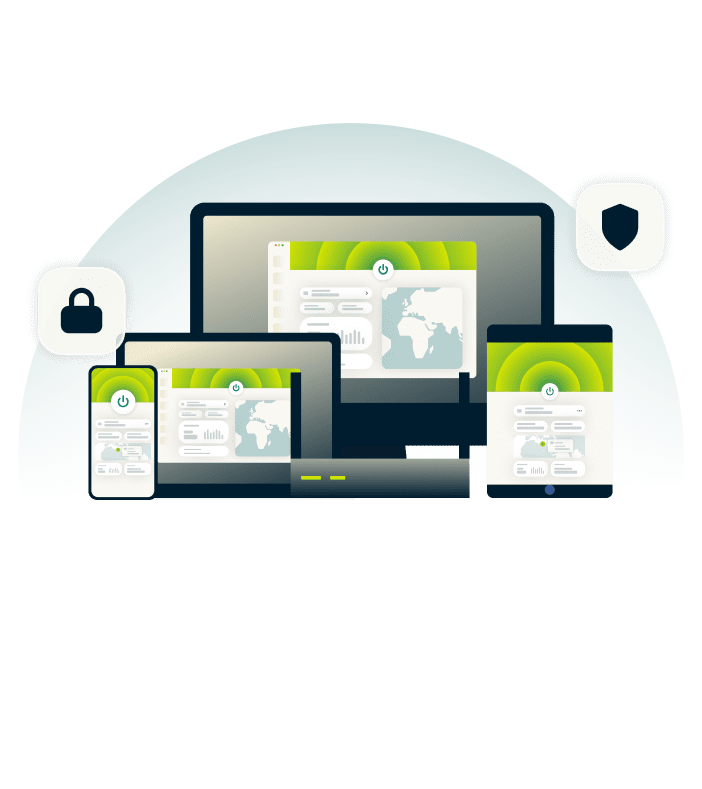
You don’t have to choose which devices are protected with ExpressVPN
Stay secure across home, work, and travel
Your laptop connects at home. Your phone at the café. Your tablet at the airport. ExpressVPN encrypts every connection with the same protection, ensuring no security gaps between networks.
256-bit AES encryption protects every connection, and if your network drops, the Internet Kill Switch feature automatically blocks all traffic until VPN protection is restored. This prevents your IP address and activity from leaking accidentally.

Help safeguard your household’s online activity
With kids moving from schoolwork to videos to games in moments, one click can lead somewhere unexpected. You can’t watch every screen, but you can set boundaries that work automatically.
Advanced protection features block trackers and malicious domains before they load on websites and apps. Built-in parental controls also let you set limits that stay active even when you're not in the room. Your kids get space to explore with protection working quietly in the background.
Protect all your devices with one account
Protecting multiple devices means repeated setup, juggling separate apps, and constant checking. It’s easy to assume you’re covered—until you realize one device wasn’t.
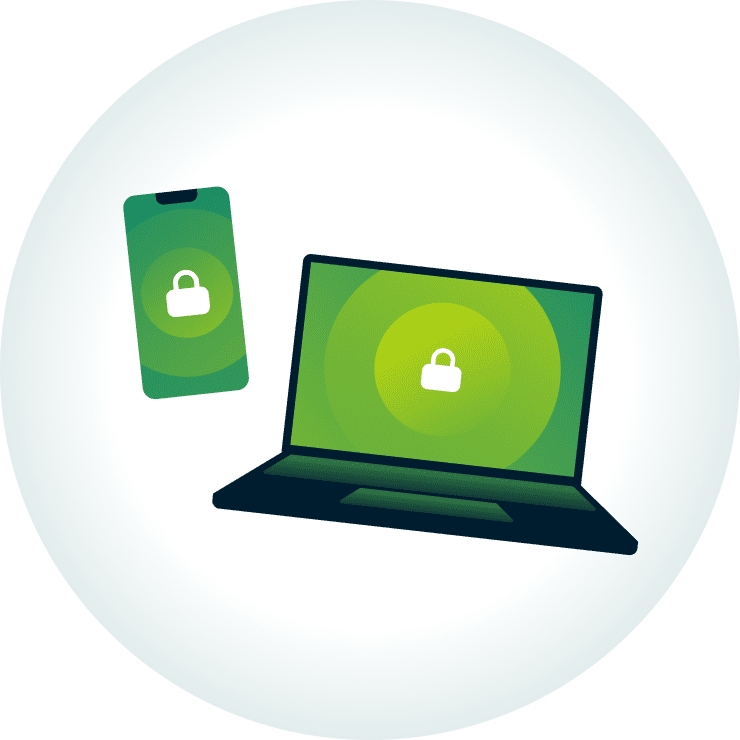
ExpressVPN provides identical protection across every device, masking your IP address to keep your activity private on your laptop, phone, tablet, and smart TV. One account covers all your screens with the same security and privacy features.

Streamlined setup for up to 14 devices
One ExpressVPN subscription covers up to 14 simultaneous active connections, giving you access to our full ExpressVPN feature suite on every platform. Download native apps and activate the VPN quickly on your devices through a simple, guided process.
Live chat support is available 24/7, and first-time subscribers get a 30-day money-back guarantee*. Use ExpressVPN across your screens and see how effortlessly it fits into everyday use.
*Users who purchased their subscriptions through the Apple App Store (iTunes) or the Google Play Store do not have access to the ExpressVPN 30-day money-back guarantee. Instead, users can request refunds through the App Store or Play Store, at Apple’s or Google’s discretion.
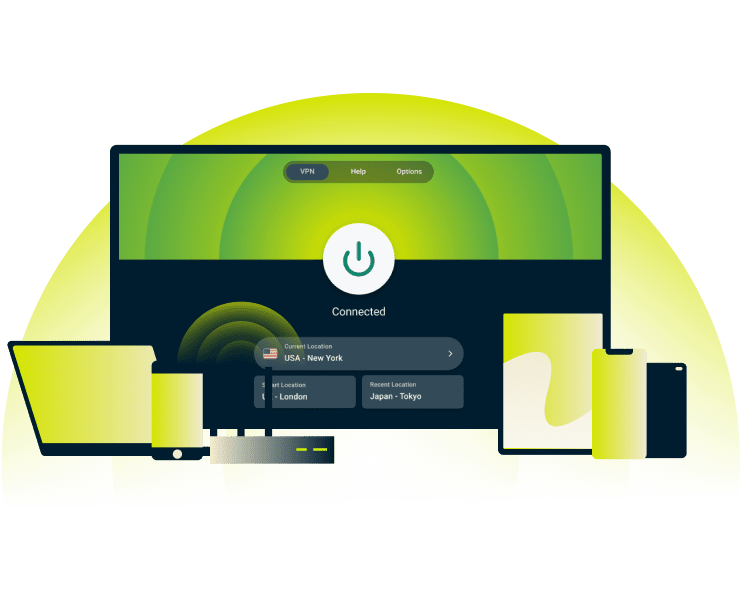
Compatible with computers, phones, TVs, and more
Native apps run on your computer, phone, and smart TV. For devices that don't support VPN apps, like gaming consoles, MediaStreamer lets you stream content without the ExpressVPN app.
How to set up ExpressVPN on multiple devices
Get started in minutes with a secure VPN for all devices
-
![How to sign up for ExpressVPN]()
Step 1
Subscribe to ExpressVPN
Sign up for ExpressVPN and get a 30-day risk-free money-back guarantee*.
-
![Download App@2x 4]()
Step 2
Install the app on each device
Download the app for each device you want to use with ExpressVPN.
-
![Activate Vpn@2x 3]()
Step 3
Connect and manage your devices easily
Connect to 214 server locations on user-friendly apps.


Compatible devices and platforms
Get the best VPN for multiple devices with ExpressVPN’s easy-to-use apps
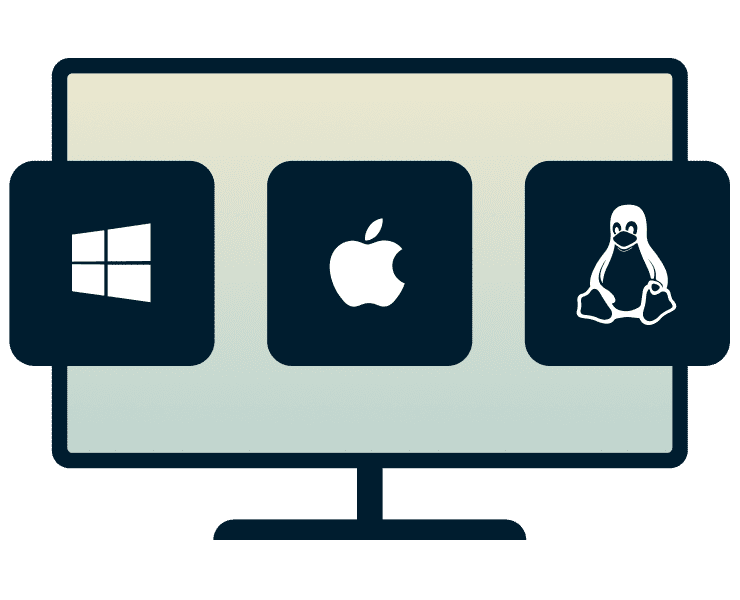
Computers (Windows, macOS, Linux)
Whether you’re working on a Mac, or coding on Linux, ExpressVPN protects your activity across desktop platforms, so your work and personal data stay private.
Secure your banking or work connections while keeping local services accessible with split tunneling. This advanced feature is available on all desktop devices and lets you select which apps use the VPN. Windows users also benefit from Lightway Turbo, our fastest VPN protocol.
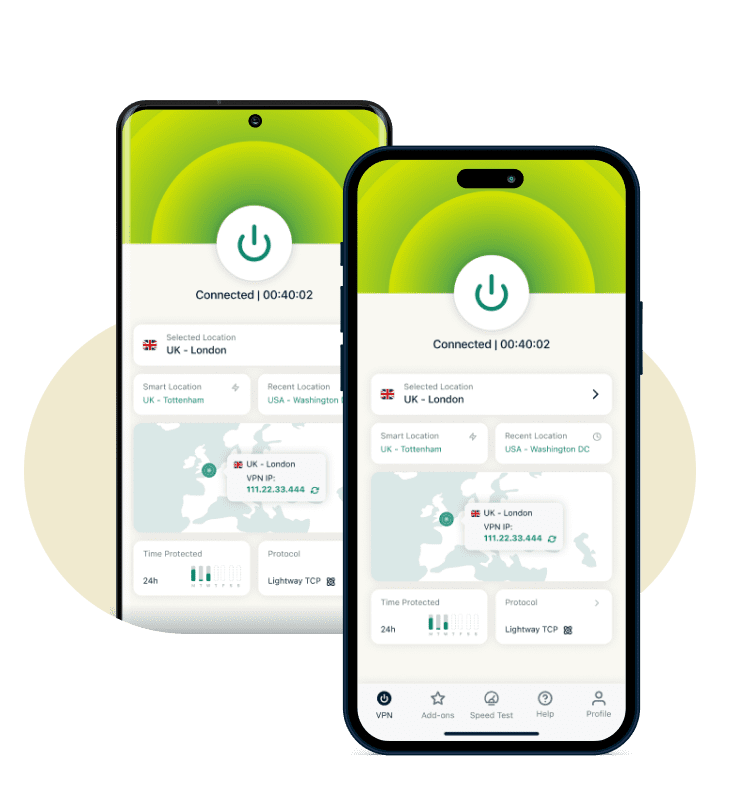
Mobile devices (iOS, Android)
Mobile apps for iOS and Android run ExpressVPN’s Lightway protocol, providing full encryption without the battery drain traditional VPN protocols cause. Leave protection on through your entire workday and commute home without needing to charge by afternoon.
View your virtual location on the map, run a speed test to find the fastest servers, or switch protocols from within the app’s user-friendly menu.
Smart TVs and media boxes
Most smart TVs can’t run VPN apps, but ExpressVPN offers native apps for Apple TV, Android TV, and Amazon Fire TV Stick. For older devices without app support, our MediaStreamer tool provides smart DNS options for changing your virtual location without encryption.
Encryption hides your streaming activity from your ISP, which can help you avoid content-based throttling that often causes buffering during peak hours.
Web browsers with extensions
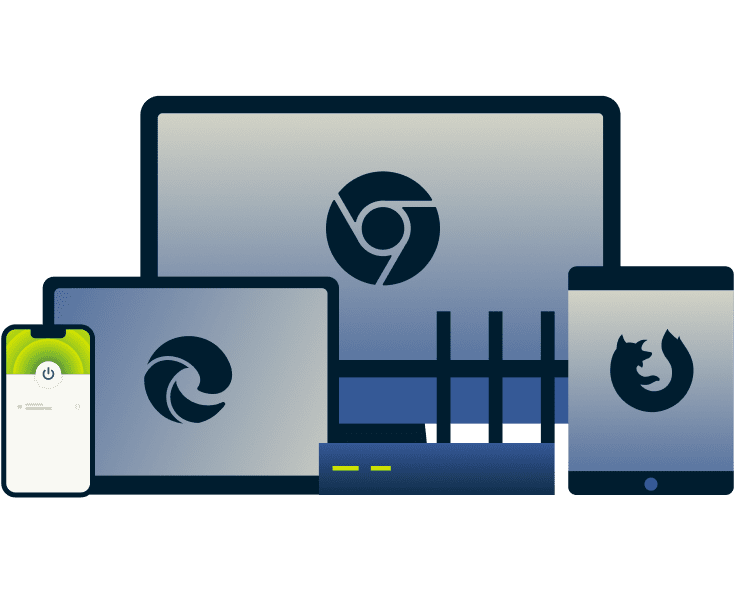
ExpressVPN's extension for Chrome, Edge, and Firefox can protect your browser on its own or be paired with the VPN app for device-wide protection. Connect, switch servers, or adjust VPN settings directly from your browser.
The extension also blocks WebRTC leaks and spoofs your browser's geolocation to help keep your location private.
Built on privacy-first technology
ExpressVPN’s privacy-first tech safeguards your traffic data from the ground up

TrustedServer infrastructure and regular audits
Traditional servers store data on hard drives, which can leave information behind. ExpressVPN’s TrustedServer technology ensures all servers run entirely on RAM so no activity data is stored, and wipes all servers regularly to load each server’s operating system with a fresh version.
ExpressVPN’s privacy protections, including our no-logs policy, are independently audited by firms such as PwC and Cure53 to confirm that they operate as designed.
ExpressVPN’s Lightway protocol for reliable speed
Network changes and traffic spikes cause VPN slowdowns: buffering, lag, dropped connections. Lightway’s minimalist design enables faster processing and instant reconnection when you switch from Wi-Fi to cellular.
Walk from your home Wi-Fi to your car without your VPN session dropping. Lightway keeps connections responsive whether you're stationary or moving between networks throughout your day.
Based in a privacy-friendly jurisdiction
ExpressVPN is based in the British Virgin Islands, outside the 5/9/14 Eyes intelligence-sharing alliances. The British Virgin Islands has no data-retention laws, which helps support ExpressVPN's audited no-logs policy.
That legal foundation supports our strict no-logs policy and ongoing privacy work, including research into post-quantum protections designed to address future threats. Our Trust Center explains these commitments transparently.
What people are saying about ExpressVPN
Satisfied customers trust ExpressVPN for its speed, security, and simplicity
I have ExpressVPN on all my devices - phone, laptop, tablet, AppleTV, etc., and absolutely love it.


* A sample of reviews from our most satisfied customers
Got an account with @expressvpn yesterday. Great decision for traveling out of the country!
@D_Geiger

* A sample of reviews from our most satisfied customers
With its consistent performance and reliable security, ExpressVPN is the best VPN out there.

* We sometimes pay expert sites for customer referrals
FAQ
Get some clear answers to the most common questions
Which VPN allows multiple devices?
ExpressVPN lets you secure up to 14 devices at once, covering computers, laptops, tablets, phones, smart TVs, consoles, and more.
Do I need a VPN for each device?
No. With ExpressVPN, a single account protects multiple devices simultaneously. One subscription protects your whole setup, so you don’t need separate accounts. This gives families, roommates, and multitaskers consistent privacy across all their devices.
Does a VPN work on all device types?
Yes. ExpressVPN supports computers, phones, smart TVs, media boxes, and more. Even devices that can’t run VPN apps, like gaming consoles or some smart TVs, can connect via MediaStreamer, our smart DNS feature. While this feature doesn’t encrypt your connection, you can use it to change the location associated with your online traffic.
Can I share my VPN subscription?
Yes. One ExpressVPN subscription covers up to 14 active devices, making it easy to share protection with your whole household. Each connection will get strong encryption and IP address masking to maintain privacy, without the need for separate accounts or additional subscriptions.
Is there an ExpressVPN family plan?
ExpressVPN subscription options support up to 10 or 14 simultaneous connections. This covers every family member's laptops, phones, consoles, and smart home devices with consistent encryption under one subscription
Try ExpressVPN for multiple devices risk-free
Experience consistent protection on all your devices
Get a VPN for multiple devices with ExpressVPN and experience enhanced online privacy wherever you connect. Try it today with our 30-day money-back guarantee* for all new customers.
*Users who purchased their subscriptions through the Apple App Store (iTunes) or the Google Play Store do not have access to the ExpressVPN 30-day money-back guarantee. Instead, users can request refunds through the App Store or Play Store, at Apple’s or Google’s discretion.